Products built the way card buyers shop
Each printing becomes one product with Near Mint, Lightly Played and other conditions as variants, plus foil and language where they exist. No duplicate products, no hand-typed titles.
LGSTome turns your card inventory into Shopify products: one product per printing, a variant for every condition, finish and language, stock at the location your orders ship from. When a card sells anywhere else, its Shopify quantity drops too.
Free for your first 1,000 cards · billed through Shopify after that
Each printing becomes one product with Near Mint, Lightly Played and other conditions as variants, plus foil and language where they exist. No duplicate products, no hand-typed titles.
Sell a copy on Mana Pool or eBay and the Shopify quantity comes down within seconds. Sell it on Shopify and it comes down everywhere else. Republishing updates price and quantity in place.
LGSTome reads your live theme’s product templates so you can pick one for card pages, and never rewrites titles, descriptions or theme settings you have changed.
Shopify orders appear next to your other marketplaces. Mark pickup orders ready and picked up, or buy a USPS label and mark shipped; Shopify’s fulfillment order follows.
See the current market price beside your price, reprice with the wizard or let the nightly auto-repricer do it and publish the result to Shopify automatically.
Already selling cards on Shopify? Import your products and LGSTome matches them to printings by name, set and collector number, bringing quantities and images along.
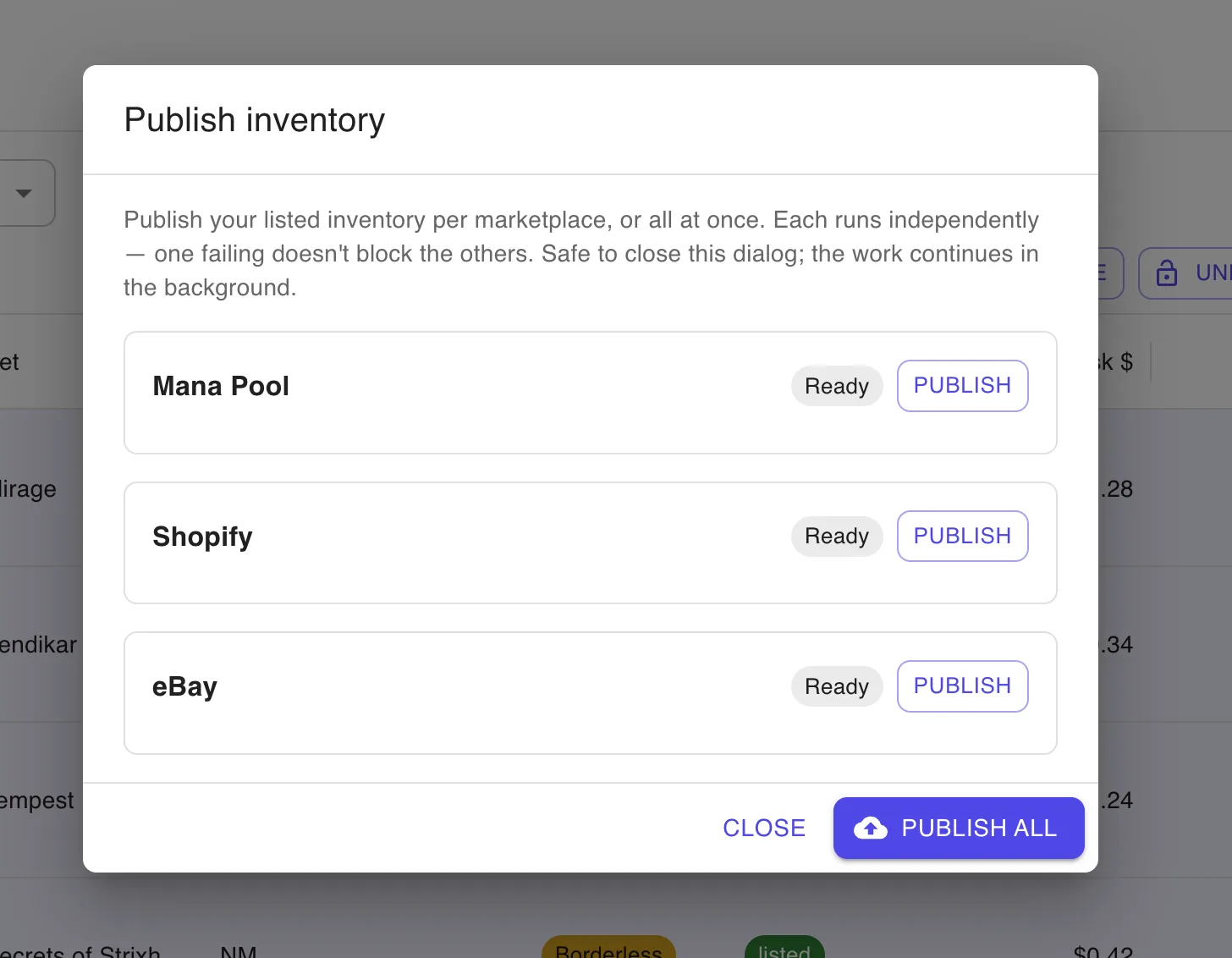
Choose Shopify alone or alongside Mana Pool and eBay. Each push runs in the background and reports what it created, updated or skipped.
Approve the permissions Shopify shows. You land in LGSTome signed in, with the order webhook already registered.
Import a CSV, scan, search and add by hand, or pull in the products already in your store.
Pick Shopify in the publish dialog. Products, variants and inventory levels are created at your store’s default location.
Orders flow into LGSTome, stock adjusts everywhere, and fulfillment happens from the same screen.
No. LGSTome is one app that creates products, sets inventory levels, listens for orders and fulfills them. Publishing defaults such as collection, tags, sales channels and product template live under Settings → Shopify.
Your store’s default location, the one online orders ship from. If you run several locations, stock lands at the primary one and never at an app-managed warehouse. See the guide on Shopify locations for card inventory.
No. It reads your theme’s product templates so you can pick one for card pages and it updates price and quantity on republish, but titles, descriptions and theme settings you have edited are left alone.
Orders with no LGSTome items are hidden by the “only orders with inventory items” filter and never touch inventory.
Every store starts on Free with up to 1,000 cards. Paid plans are billed through Shopify and appear on your Shopify bill. Upgrade, downgrade or return to Free from Settings → Billing at any time.
LGSTome deletes the store’s access token, its product links and its Shopify orders immediately. Your LGSTome account and inventory remain, so reinstalling later picks up where you left off.
Install LGSTome from the Shopify App Store. Free for your first 1,000 cards.
Create your free account